
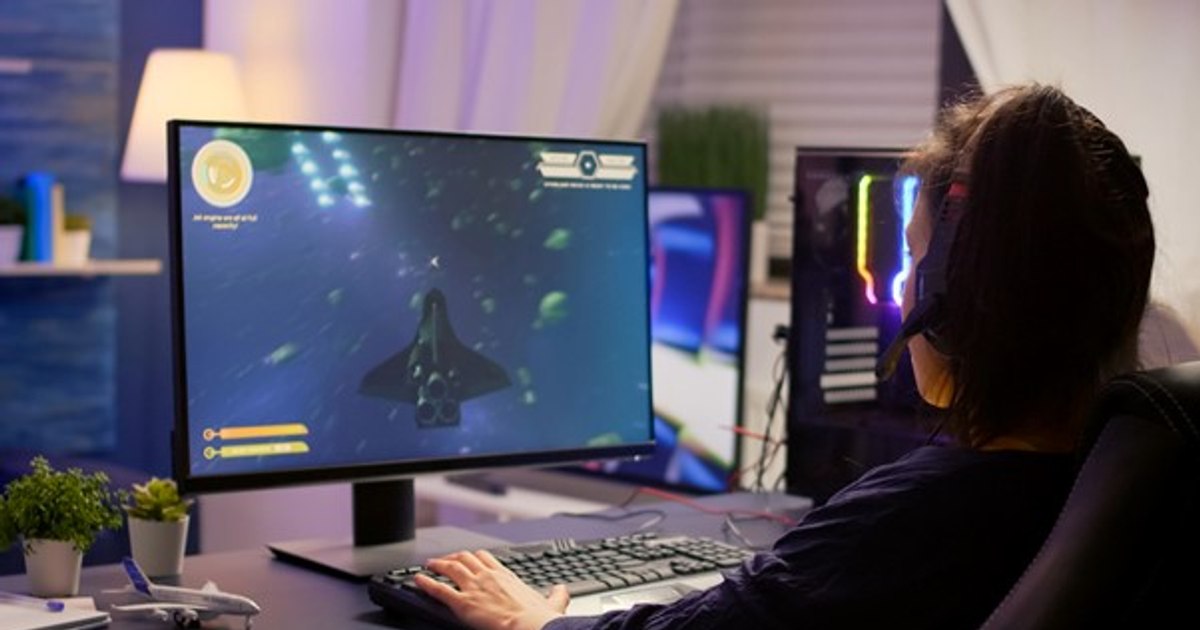
To choose a good gaming monitor you will need to check the dimensions, resolution and refresh rate of the monitor. These are important features that make a difference, so it is very important to analyze them and choose the best gaming monitor for you. To make your choice process easier, we come to you with some tips.
Rate your gaming monitor dimensions
To ensure the most enjoyable gaming experience, you need to decide if you want one gaming monitor larger or smaller. Monitor size refers to the size of the monitor screen. Gaming monitors vary and can be found in variants from 24 inches to 32 inches.
When choosing a gaming monitor, it’s important to consider the environment in which it will be used. A 24-inch monitor may be more suitable for a smaller room, while a 32-inch monitor may be more suitable for a larger room.
27 and 28 inch gaming monitors
27-inch and 28-inch gaming monitors offer a more immersive gaming experience thanks to ultra-thin screens, high resolutions, fast response times and wide viewing angles.
They maximize gaming performance, providing a rich visual experience for both gaming and watching movies. Additionally, 27-inch and 28-inch gaming monitors offer more portability than 32-inch gaming monitors.
32 inch gaming monitors
32-inch gaming monitors offer an even more immersive gaming experience thanks to their large screen and high-quality resolution. They are ideal for a rich visual experience and have fast response times and low input lag.
It also offers greater immersion and depth than 28-inch gaming monitors. Last but not least, a 32-inch gaming monitor is more suitable for games that require a large viewing space, such as virtual reality games.
Pay attention to the resolution
A gaming monitor is an important choice for avid gamers who pay attention to details and want a realistic gaming experience.
In this regard, the resolution is one of the most important aspects to consider, as it determines the quality of the image on the monitor. The most common gaming monitors offer Full HD resolution, which is 1920×1080 pixels. However, more expensive monitors offer 4K resolution, a resolution of 3840×2160 pixels.
The higher resolution gives players a more realistic and detailed experience and has the ability to provide more realistic and detailed images.
Full HD monitors offer the opportunity to see a realistic image with clear details at an affordable price. However, 4K resolution is required to display finer details.
Moving from 1080p to 4K provides a significant improvement in image quality, with sharper details and more vivid colors. The higher 4K resolution also provides a wider view of objects on the screen, allowing for a wider view and greater depth of field.
Choose a gaming monitor with a refresh rate of at least 144Hz
We recommend a good gaming monitor to everyone who wants an optimal gaming experience. 144Hz gaming monitors are the best choice for an authentic gaming experience. But what are the advantages of 144Hz monitors?
A 144Hz gaming monitor provides smooth image reproduction, eliminating any possibility of fading or stuttering. This is because it is able to refresh the image 144 times per second and an unprecedented gaming experience.
This means that players can enjoy a quick response to their commands without delay. Also, the 144Hz refresh rate is responsible for increased fluidity in fast-paced games such as war games and racing games.
A monitor of this type offers a wider color gamut, greater clarity and detail, and better image quality. As a player you can enjoy a more realistic gaming experience. Finally, they offer greater compatibility with the latest devices, such as more powerful graphics cards and processors.
Conclusion
Gaming monitor sizes may differ, so choose a larger or smaller monitor based on your preferences.
Resolution may vary. Full HD screens are cheaper and can provide a more enjoyable gaming experience, but 4K monitors offer sharper and more realistic picture quality. Gamers who want a more immersive and realistic gaming experience can opt for 4K monitors.
However, it’s important to note that a 4K monitor may require more processing power to run well, so make sure you have a computer that can handle
Another factor to consider when choosing a gaming monitor is the refresh rate. Refresh rate is a measure of how fast the monitor screen updates images. A monitor with a higher refresh rate can provide a smoother gaming experience.
Although the most common refresh rate is 60Hz, the best gaming monitor will offer refresh rates of 144Hz or even 240Hz. A higher refresh rate means a smoother gaming experience. We do not recommend the 60Hz refresh rate, even if you are a beginner and need to purchase your first gaming monitor.
When choosing a gaming monitor, it’s important to consider all of these factors to ensure you choose the monitor that best suits your needs and preferences.
Choose a larger gaming monitor, a resolution that satisfies you, that allows you to enjoy realistic and detailed images, but also a refresh rate of 144Hz for fluidity in gaming.
Photo source – freepik.com