
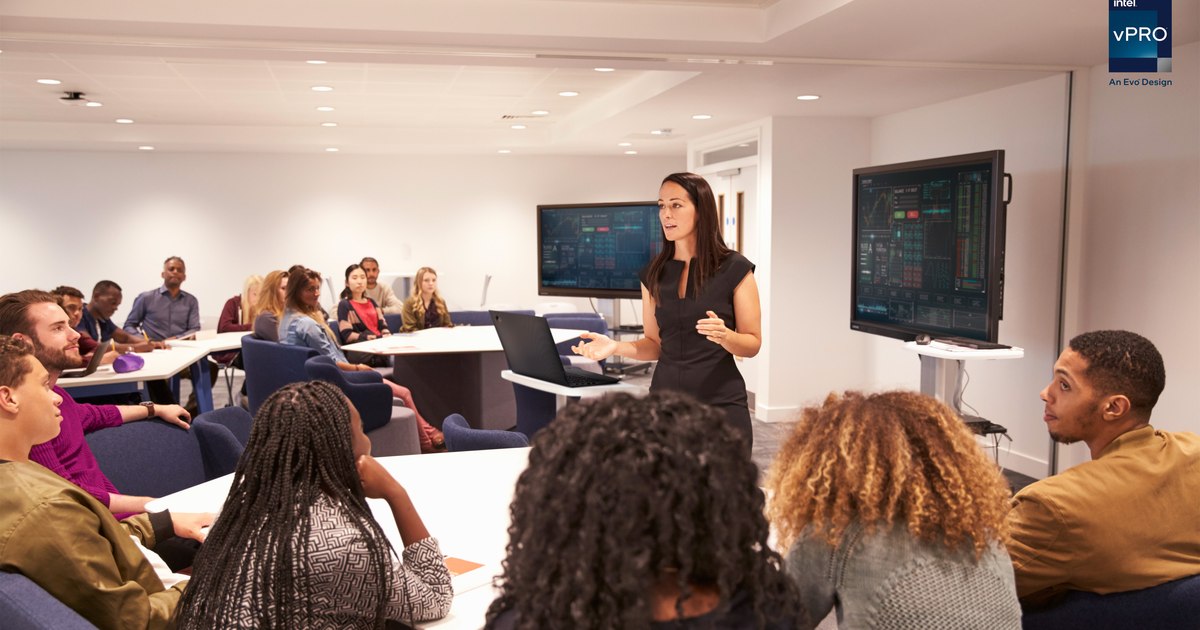
Less than half of a teacher's working time is devoted to actual teaching, according to research by the Organization for Economic Co-operation and Development (OECD). The other part is divided between correcting papers and providing feedback to students, administrative tasks, planning and preparing courses, interacting with students outside of teaching hours, etc., thus significantly reducing the already limited teaching time.
Smartphones, laptops and tablets are part of the daily life of students and teachers, therefore the use of technology in the teaching process has nowadays become something natural. With the help of technology, teachers can create engaging learning experiences and better interaction with students. Although computers can be great learning tools, they can also be a source of distraction in the classroom. Therefore, it is very important for a teacher to have control over the devices used in the classroom while keeping the students interested and engaged. So how can teachers manage the classroom most effectively?
LanSchool helps teachers connect with students to create relevant learning experiences
LanSchool is a classroom management solution that facilitates the teaching process through technology, both in the classroom and remotely. Lenovo's solution for education provides very useful features such as screen monitoring so that teachers can quickly see all students' screens, Web Limit that allows students to access only websites approved by the teacher, and Blank Screen that allows teachers to redirect students' attention from to devices when needed. Moreover, LanSchool is a useful tool for collaboration, being equipped with features such as Raise Hand, which encourages better communication between student and teacher, messaging functions that increase the degree of student engagement, and Push Website, which facilitates instant launch of the same web page on all devices in the classroom, making the most of teaching time or Battery Status, through which the battery status can be checked on each device. Teachers can also administer tests directly on student screens preventing cheating or copying, thus facilitating the assessment process, and can answer questions from students in the dedicated question area.
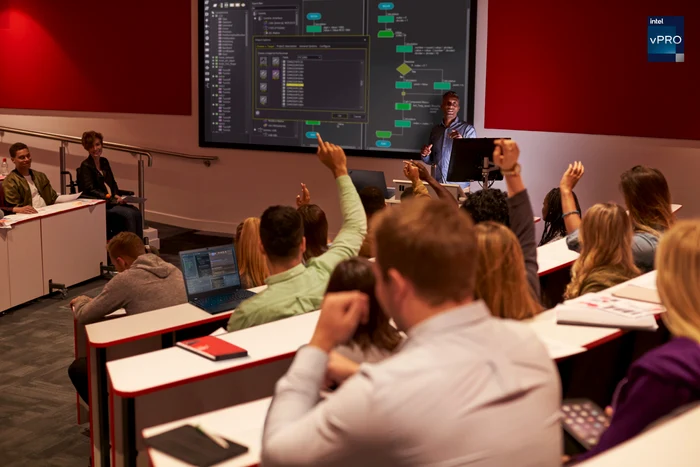
These features, put to work together with Lenovo laptops and equipment, help create an effective and interactive digital classroom, tailored to the educational needs of teachers and students, significantly improving the learning and teaching experience, both in the classroom and online .
What are the best laptops for teachers and students?
The equipment used in the educational environment must take into account several specific characteristics. Laptops, for example, must be ultra-resistant, tested for extreme conditions, have a long battery life so that they can be used without charging for several hours of classes, include advanced security and authentication functions , screens that reduce blue light emissions and protect the eyes during teaching or study hours, but also provide protection against accidental damage.
The Lenovo portfolio includes a wide range of laptops, solutions and IT equipment, which can be used long-term by teachers and students, depending on their teaching and study needs or the way they work – from home, from school, urban or rural – for any type of classroom and any budget.
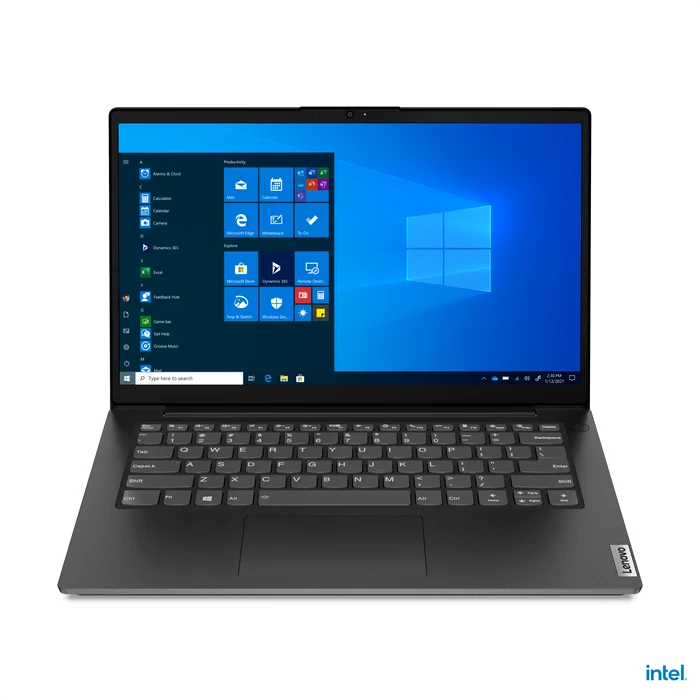
The Lenovo ThinkBook and Lenovo V series of laptops meet all these requirements and come with features tailored to the needs of both teachers and students, while maintaining a very good price-performance ratio.
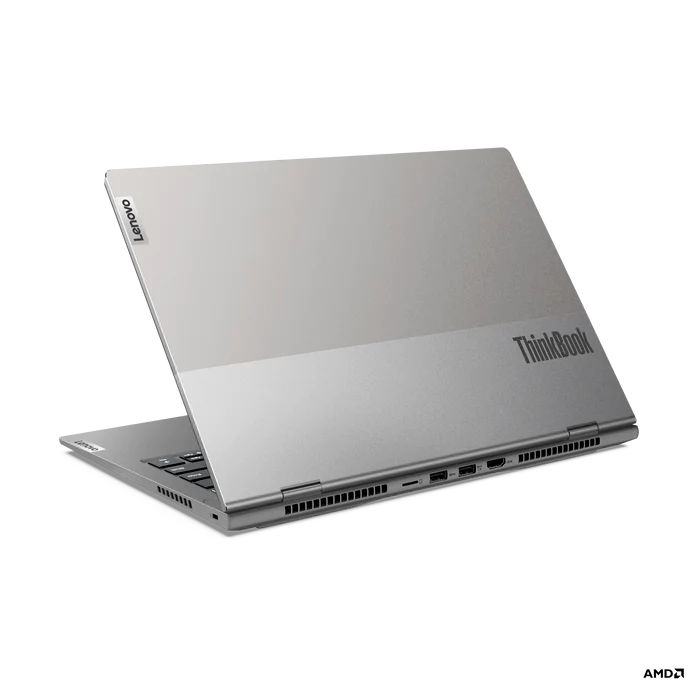
Lenovo ThinkBook laptops have been designed from premium materials and finishes, are ultra-durable and include powerful processors from Intel® and AMD that can run complex educational applications and software. They are equipped with FHD photo/video camera with ThinkShutter, a technology that closes the camera when not in use, so that there are no accidental starts of the webcam, and with a battery that provides up to 6 hours of autonomy and the possibility of fast charging (in 30 minutes it charges up to 80%). The keyboard is backlit and water-resistant, and the thin-bezel screens allow you to focus on the content on display and interact fluidly with it, without the need for constant page scrolling. The smart power button integrates a fingerprint reader with which the authentication process is carried out securely, so that the teacher is the only one who has access to the device. In addition, it offers flexible storage options, facilitating access to educational resources and easy file transfer between teachers and students.
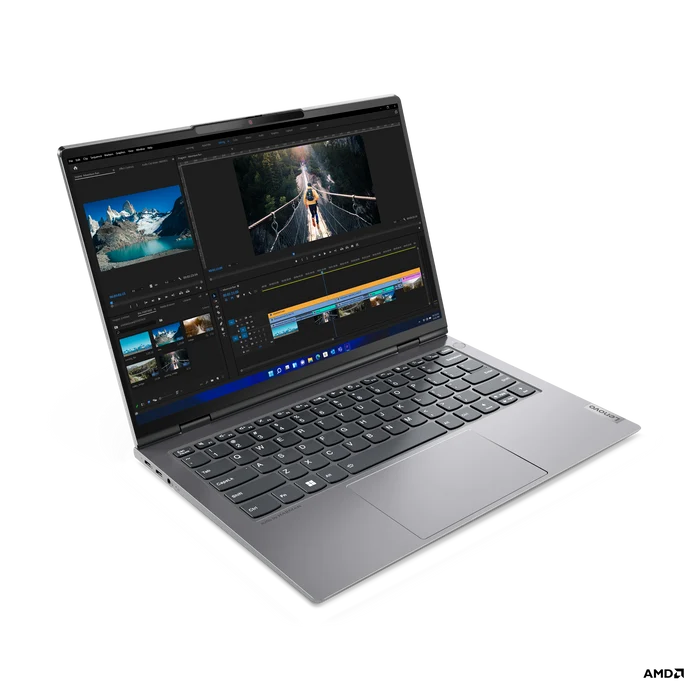
The latest Lenovo V laptops they are designed for hybrid work environments, they are lightweight and have a long battery life, and the 15.6″ or 14″ screens with features that reduce blue light emissions have been carefully designed to ensure visual comfort during class long periods of study and teaching. These screens help reduce eye strain and allow for increased focus on content. In addition, built-in security features protect data and information, guaranteeing privacy and helping to reduce potential cyber attacks. These screens also offer a generous workspace (thanks to the 88% screen-to-equipment ratio), useful in Office applications. Moreover, they are equipped with intelligent functions to cancel background noise during virtual conferences and allow integration with the Microsoft Teams application.
Demanding durability tests
All Lenovo Think laptops have passed multiple MIL-STD 810H tests, a valuable tool for assessing the durability and strength of equipment in schools, and are compliant with the Mil-SPEC set of standards designed to test durability, strength and reliability and covering of temperature, pressure, dust, humidity and vibration. Equipment is more resilient in harsh environmental conditions and will require fewer repairs, which translates into cost savings in the long run. The risk of accidents or damage while using and handling the equipment is reduced, thus ensuring an uninterrupted learning process.
Protection against accidental damage
In addition, thanks to Lenovo's Accidental Damage Protection (ADP) warranty service, users are protected against accidental damage, thus avoiding the additional costs associated with replacing damaged system parts. What is covered by this service: Accidental drops, spills, shocks, and structural failures occurring under normal operating or handling conditions, including electrical surges and damage to the built-in LCD screen. Examples: the laptop accidentally slides off the table and the LCD screen breaks; the laptop screen is closed over a pen that was left on the keyboard and the LCD screen is broken; an electrical surge causes significant hardware damage; coffee is spilled on the keyboard and the extent of the damage is unknown. In addition, users benefit from complete system replacement in cases where repair is not possible. Accidental damage protection helps you save significantly on the cost of repairing or purchasing a new system, between 28%-80%, depending on the device and the repairs required.
Lenovo is actively involved in the development of reliable technological solutions for educational institutions in Romania and beyond. For more details about Lenovo equipment and technologies dedicated to the educational environment, please access: https://www.lenovoedu.ro/.